Develop
Adjust exposure, shadows, highlights, black and white points, contrast and point curves. Sample a neutral gray or textured white patch, fine-tune temperature and tint, or restore the camera’s as-shot balance.
RAW color editor for Windows
Give a photograph a different palette and keep the light that shaped it. Develop your RAW, blend a LUT, then work on a single material, skin tone or background.
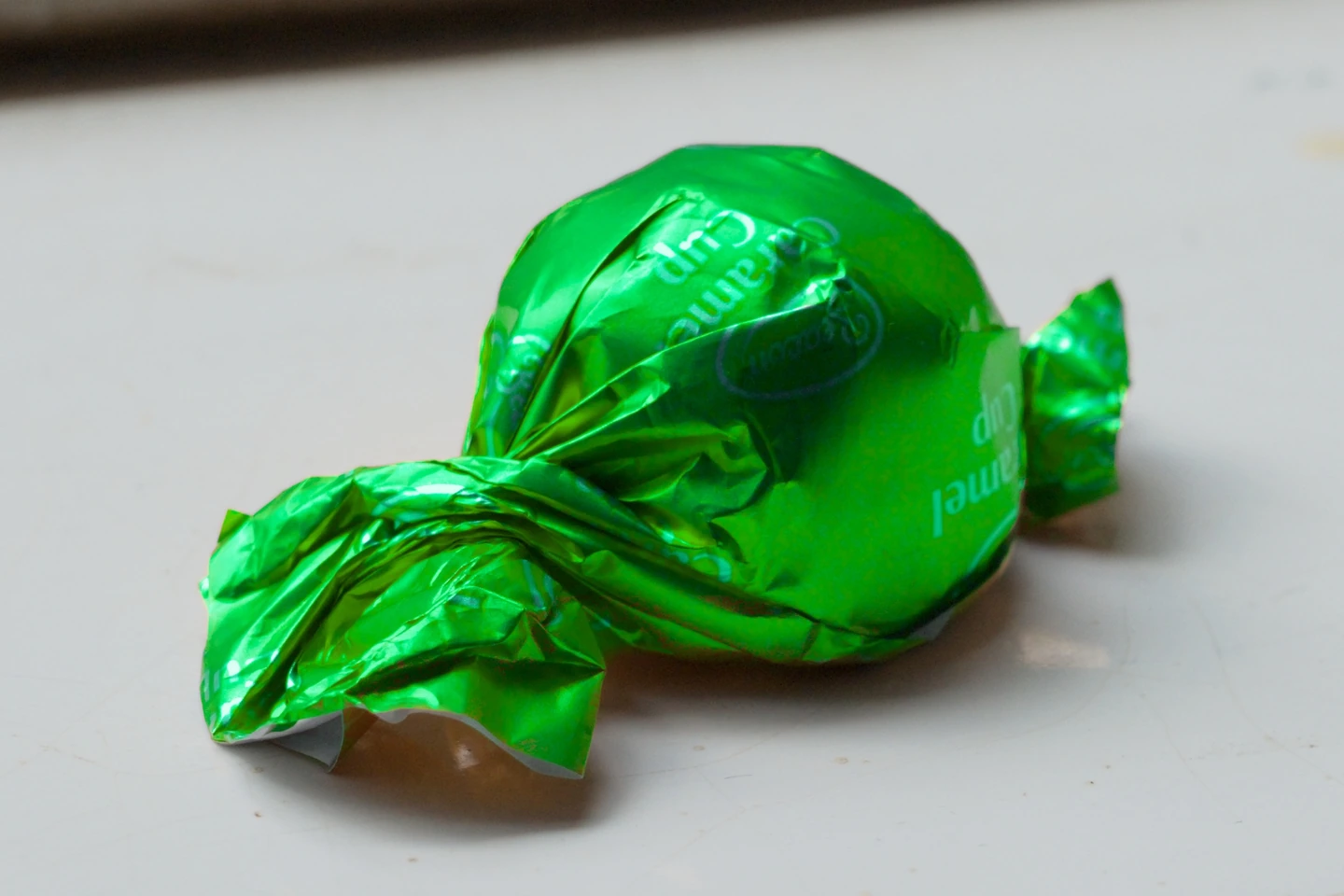
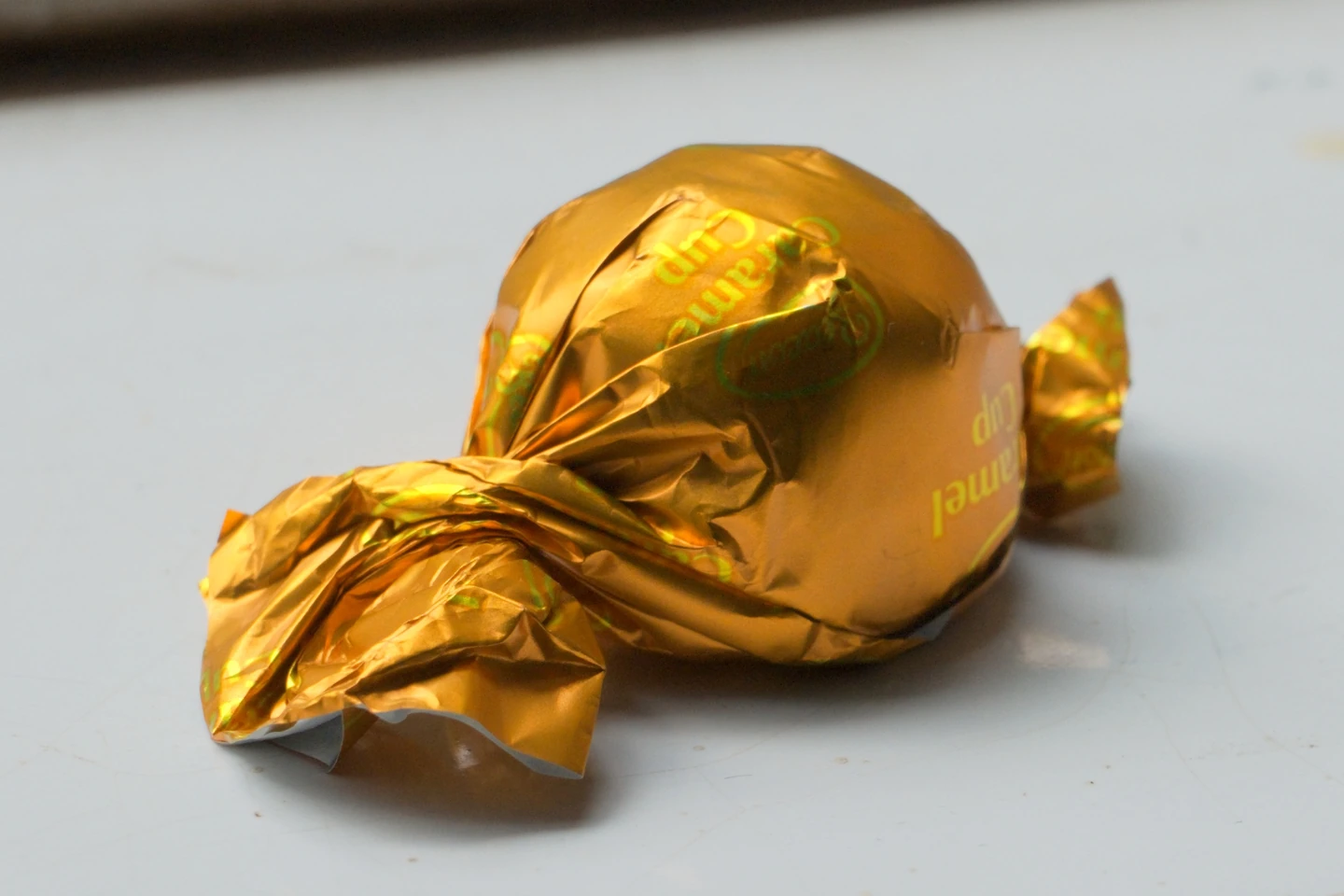 GoldGreen
Noise reduction at 100%
Separate chroma noise from luminance grain. Tune either while dragging a native-resolution divider across the creases. Both sides share the same exposure, LUT and crop.
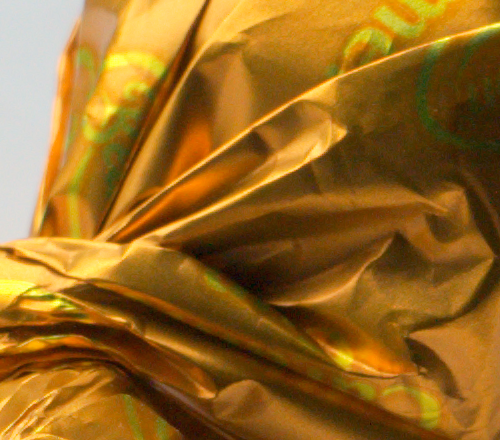 Before
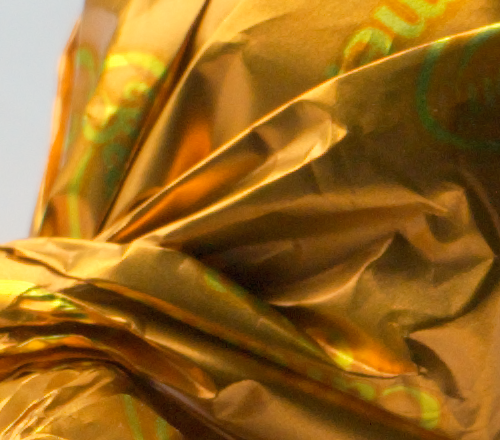 After
Subject & background
Grade the subject and its surroundings independently. Inspect the selection as an overlay, grayscale matte or checkerboard cutout. Refine the soft edge on charcoal or pale blue, then export a transparent 16-bit PNG.
Inside the editor
Adjust exposure, shadows, highlights, black and white points, contrast and point curves. Sample a neutral gray or textured white patch, fine-tune temperature and tint, or restore the camera’s as-shot balance.
Import normalized, display-referred sRGB 3D .cube LUTs. Blend LUT strength, shape the RGB curve and balance shadows, midtones and highlights. Match a sampled color to a swatch or hex target and tune how neighboring colors respond.
Sample a tone and adjust hue, saturation and luminance. Limit the selection to a connected area or similar colors throughout the frame. Refine its range and softness and inspect the selection mask.
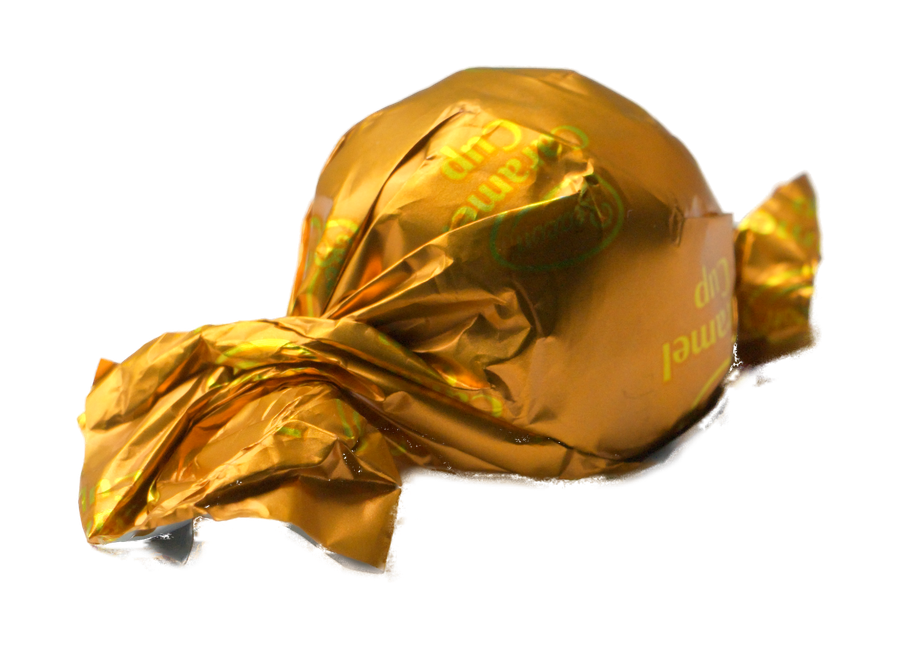
Choose a new color for foil, paint or fabric while preserving linear luminance and neutral highlights. Adjust hue range, feather, strength and chroma across the frame, subject or background. Inspect the result with a live 100% split.
Use automatic skin selection to control how strongly a LUT affects skin. Adjust warmth, tint, brightness and saturation. Include missed tones, exclude spill, and hold the comparison to see the portrait without its skin edit.
Give foreground and background separate grades and separate chroma and luminance noise reduction. Expand or contract soft boundaries, adjust edge refinement, and add soft include or exclude corrections. Compare both versions on identical pixels.
Open or drop a RAW, monitor the RGB histogram, double-click a detail to zoom to 100% and drag to pan. Resize the inspector or hide it with F6. Hold the original, undo and redo, or jump directly to a detail comparison.
Save an editable sidecar beside your source and reopen the grade later. Export a tagged sRGB JPEG, 16-bit TIFF or transparent subject PNG. RAW development, masks and rendering run locally.
LUT Dragon for Windows x64
Seven elapsed days from first launch, including time the app is closed. The demo includes full-resolution export. Extract the download and keep the folder together when running LUT Dragon.exe.